The 5 Free WordPress Plugins Every Small Business Site Needs
More plugins make WordPress slower and less safe. These five free ones cover SEO, security, speed, backups and forms, and they're enough for most business sites.
WordPress has over 50,000 free plugins, and it's tempting to install lots of them. But every plugin is extra code that can slow your site down or be a way in for hackers. Most small business websites only need five, one for each job.
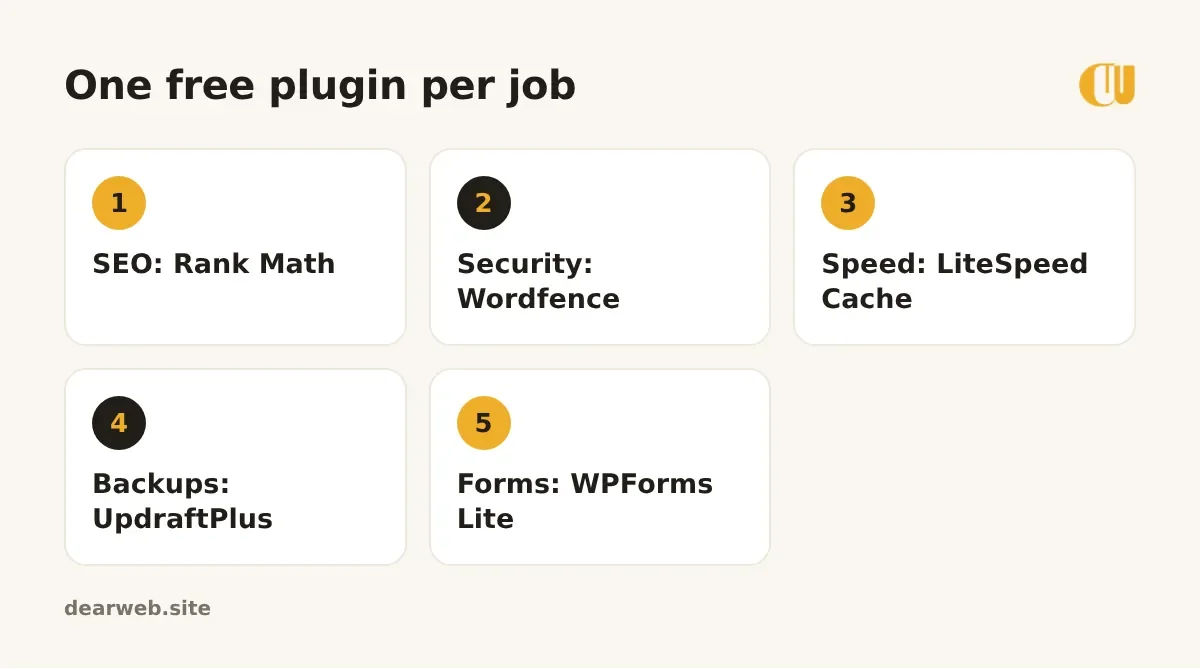
1. SEO: Rank Math
Rank Math lets you write the title and description Google shows for each page, makes your sitemap and adds basic business details Google can read. The setup wizard asks simple questions; the free version is enough for most sites.
2. Security: Wordfence
Wordfence adds a firewall, blocks repeated wrong-password attempts and scans your files for malware. After installing, turn on two-factor login for your admin account. It's the single best thing you can do against hackers.
3. Speed: LiteSpeed Cache
Many cPanel hosts run LiteSpeed servers. If yours does, the free LiteSpeed Cache plugin saves ready-made copies of your pages so they load much faster. Not sure? Ask your host which cache plugin they recommend.
4. Backups: UpdraftPlus
Hosting backups can fail or be expensive to restore. UpdraftPlus backs up your site automatically to Google Drive or Dropbox. Set it to weekly for files and daily for the database if you post often, and test a restore once.
5. Forms: WPForms Lite
A simple drag-and-drop contact form that emails you each message. If messages don't arrive, add the free WP Mail SMTP plugin; it fixes most "my form emails go missing" problems.
What about everything else?
Before installing anything new, ask: does my theme already do this? Do I really need it? Many "must-have" plugins (sliders, social feeds, popups) slow sites down for little gain.
- Delete plugins you've deactivated; inactive plugins can still be hacked.
- Update plugins every week, or turn on automatic updates for trusted ones.
- Only install from wordpress.org or the developer's official site, never from "free premium plugin" sites. Those are a common source of malware.
Not sure if your site is slow or missing basics? Run the free website audit. It checks speed, SEO and mobile setup in about 10 seconds.
You'll find official links to all five plugins, and other free tools we trust, on our free resources page.