Tip · Design & Branding
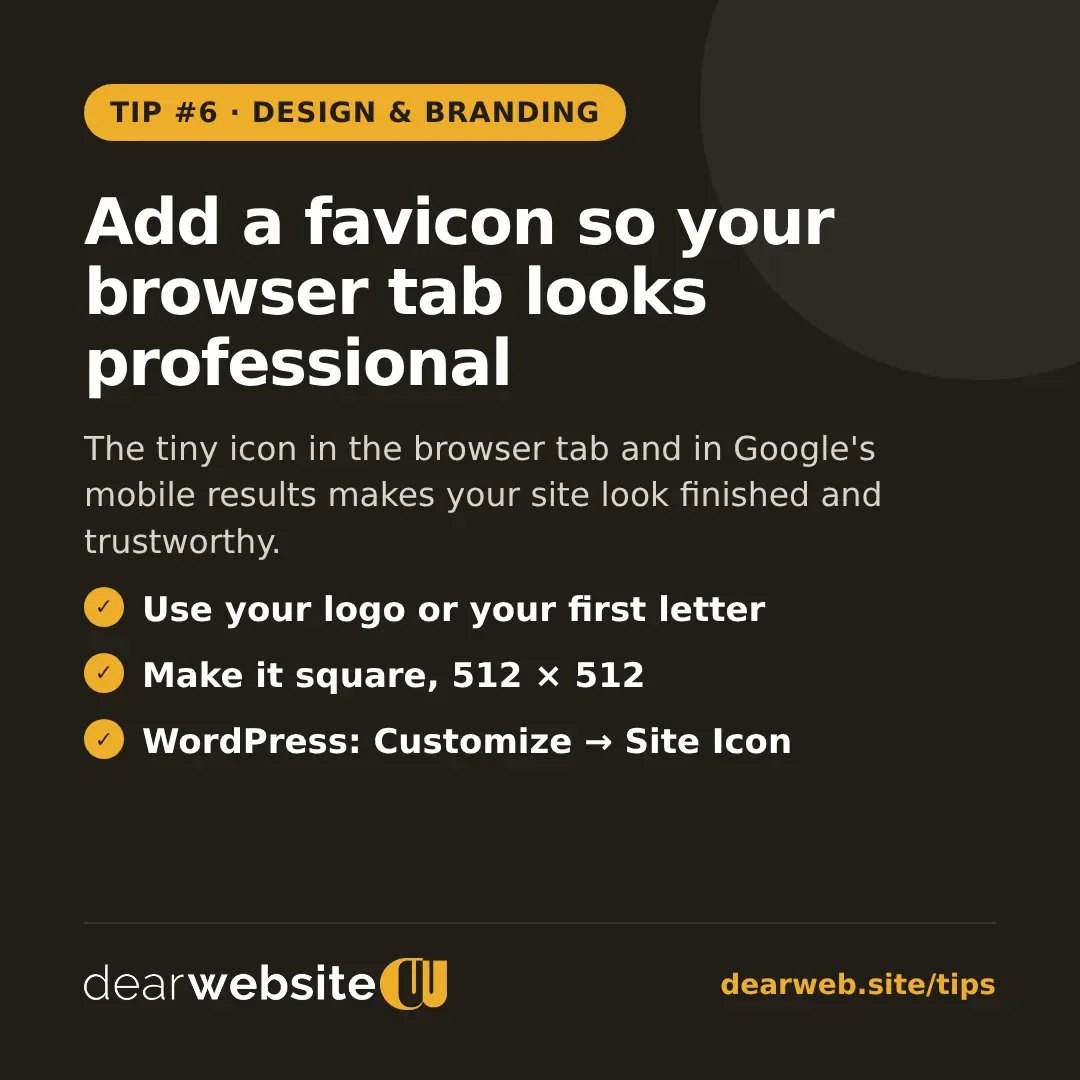
Add a favicon so your browser tab looks professional
The tiny icon in the browser tab and in Google's mobile results makes your site look finished and trustworthy.
The favicon is the small icon next to your site name in the browser tab, in bookmarks and next to your result in Google on phones. A blank or default icon makes a site look unfinished.
- Use your logo mark or the first letter of your business in your brand colour.
- Make it square, at least 512 × 512 pixels, with simple shapes that still read when tiny.
- On WordPress go to Appearance → Customize → Site Identity → Site Icon and upload it.
Posted 14 Nov 2026 · All tips