Tip · Marketing & Social
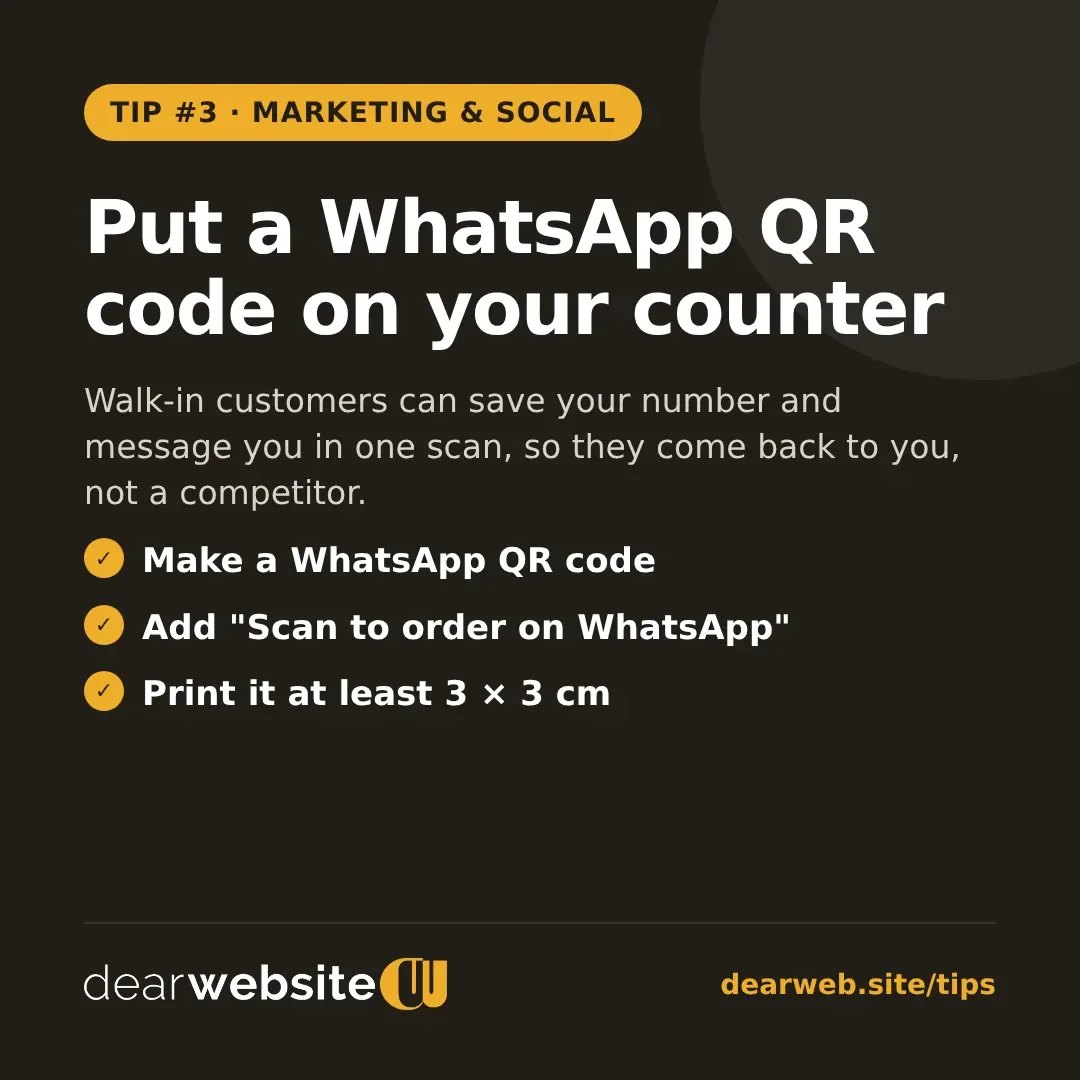
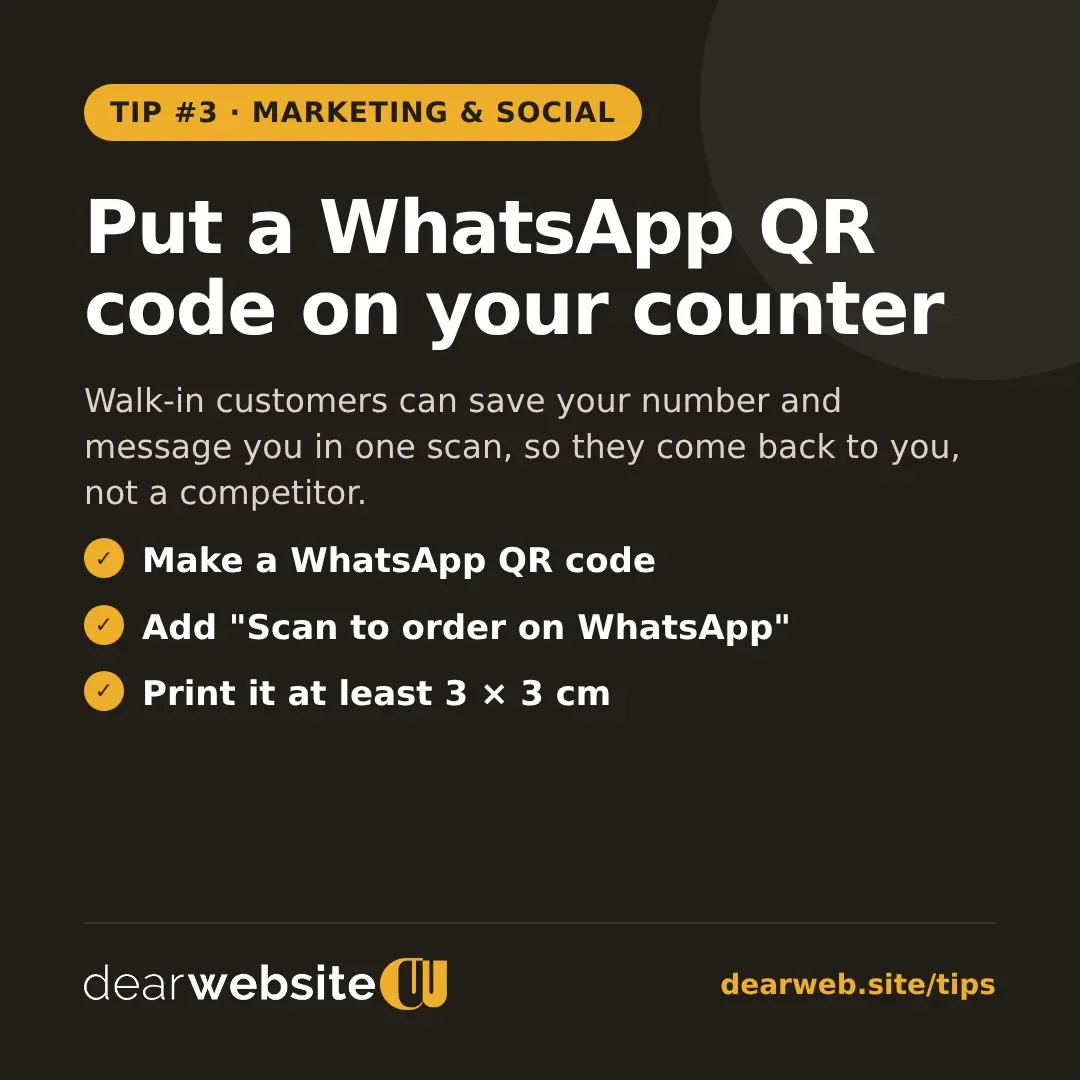
Put a WhatsApp QR code on your counter
Walk-in customers can save your number and message you in one scan, so they come back to you, not a competitor.
Every walk-in customer is a chance to get a repeat customer. A WhatsApp QR code on your counter lets them start a chat with you in one scan, so next time they order on WhatsApp instead of searching for someone else.
- Make a WhatsApp QR code with a ready message like "Hi, I visited your shop".
- Write a clear line underneath: "Scan to order on WhatsApp".
- Print it at least 3 × 3 cm, dark on a light background, and test it with your phone first.
Posted 11 Nov 2026 · All tips