Tip · WordPress
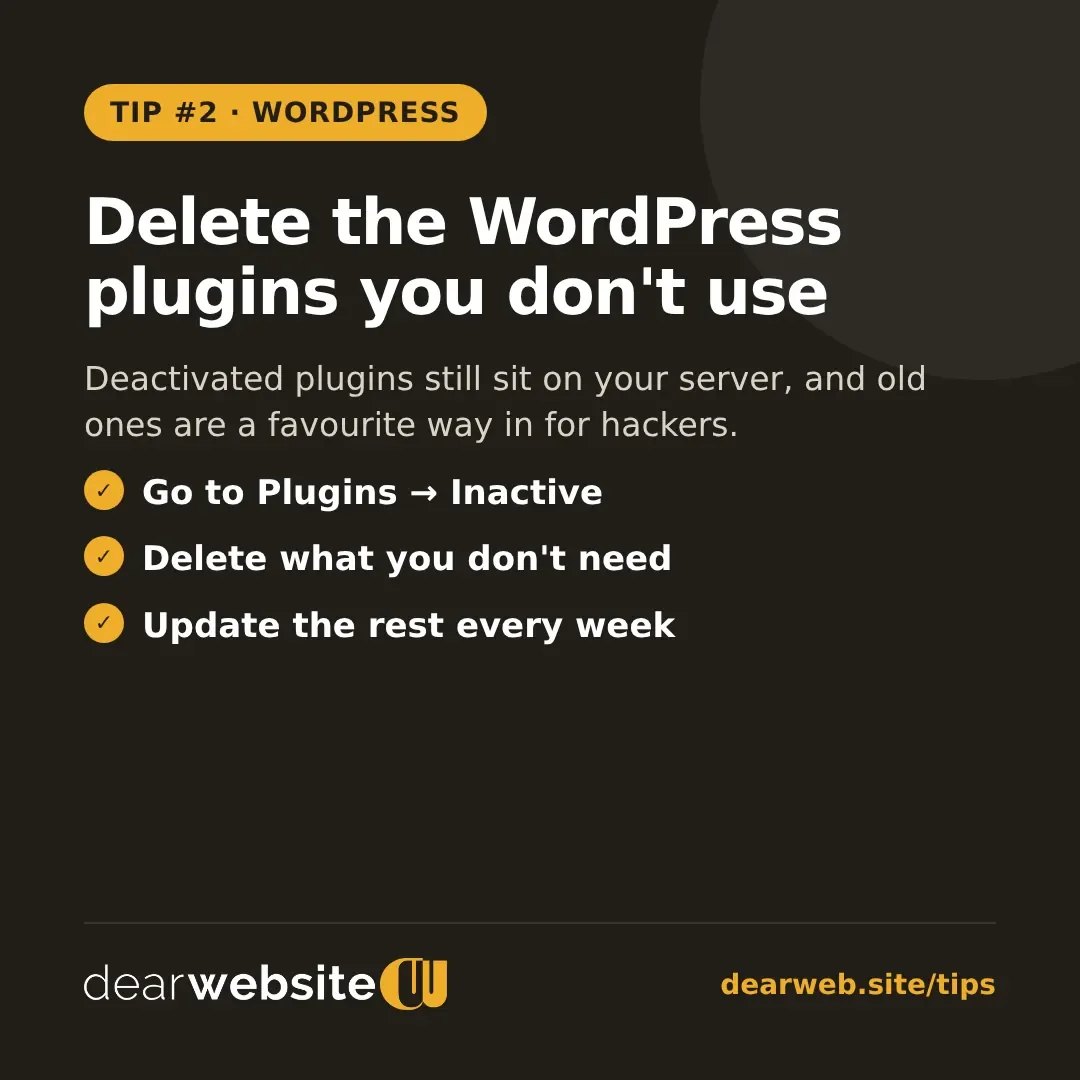
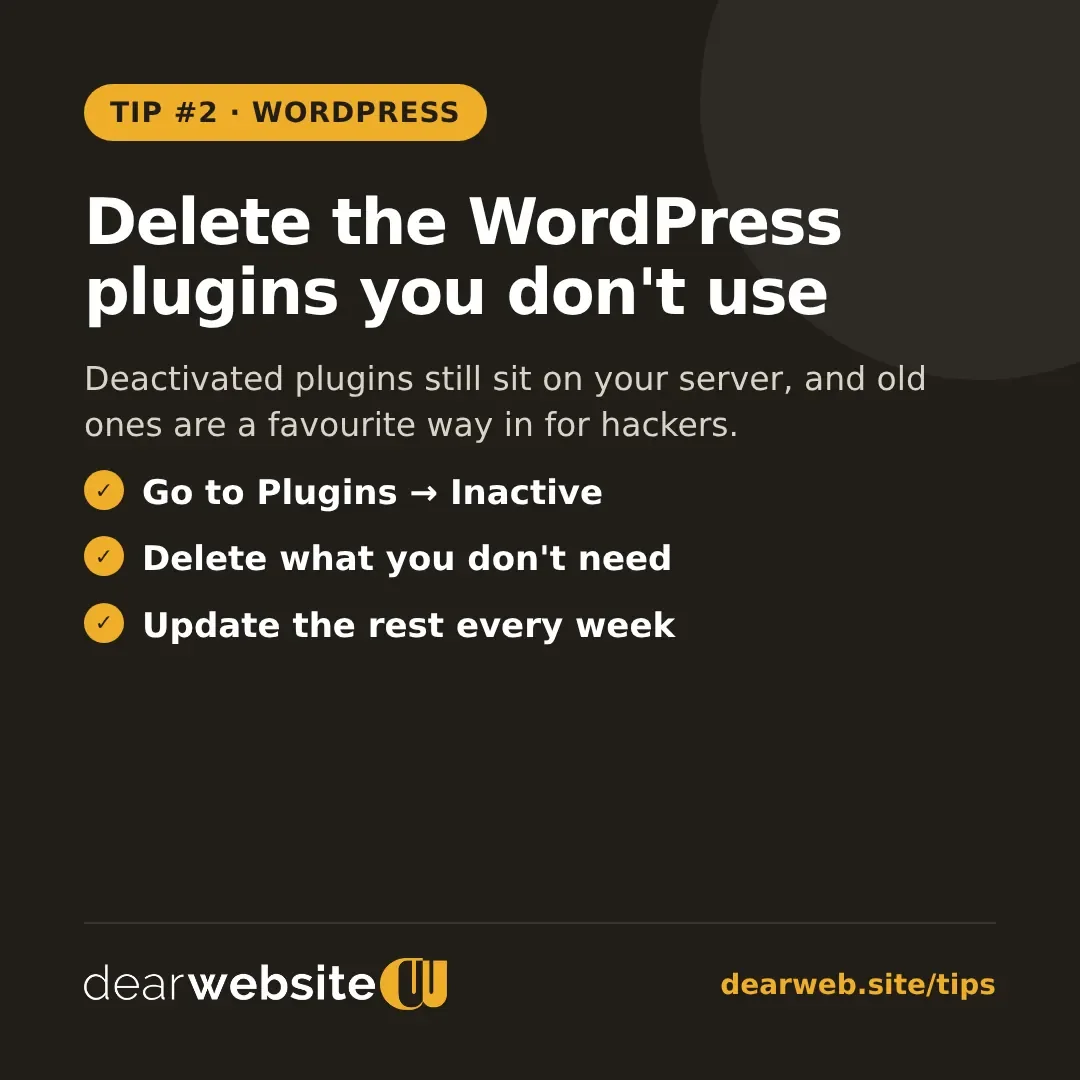
Delete the WordPress plugins you don't use
Deactivated plugins still sit on your server, and old ones are a favourite way in for hackers.
Deactivating a plugin isn't enough. Its files stay on your server, and if it stops getting updates, hackers can use its old code to get in.
- Open Plugins in your WordPress dashboard and click Inactive.
- Delete anything you're not planning to use again.
- Update the plugins you keep, or switch on automatic updates for trusted ones.
Fewer plugins also means a faster website.
Posted 10 Nov 2026 · All tips