Tip · Speed & Security
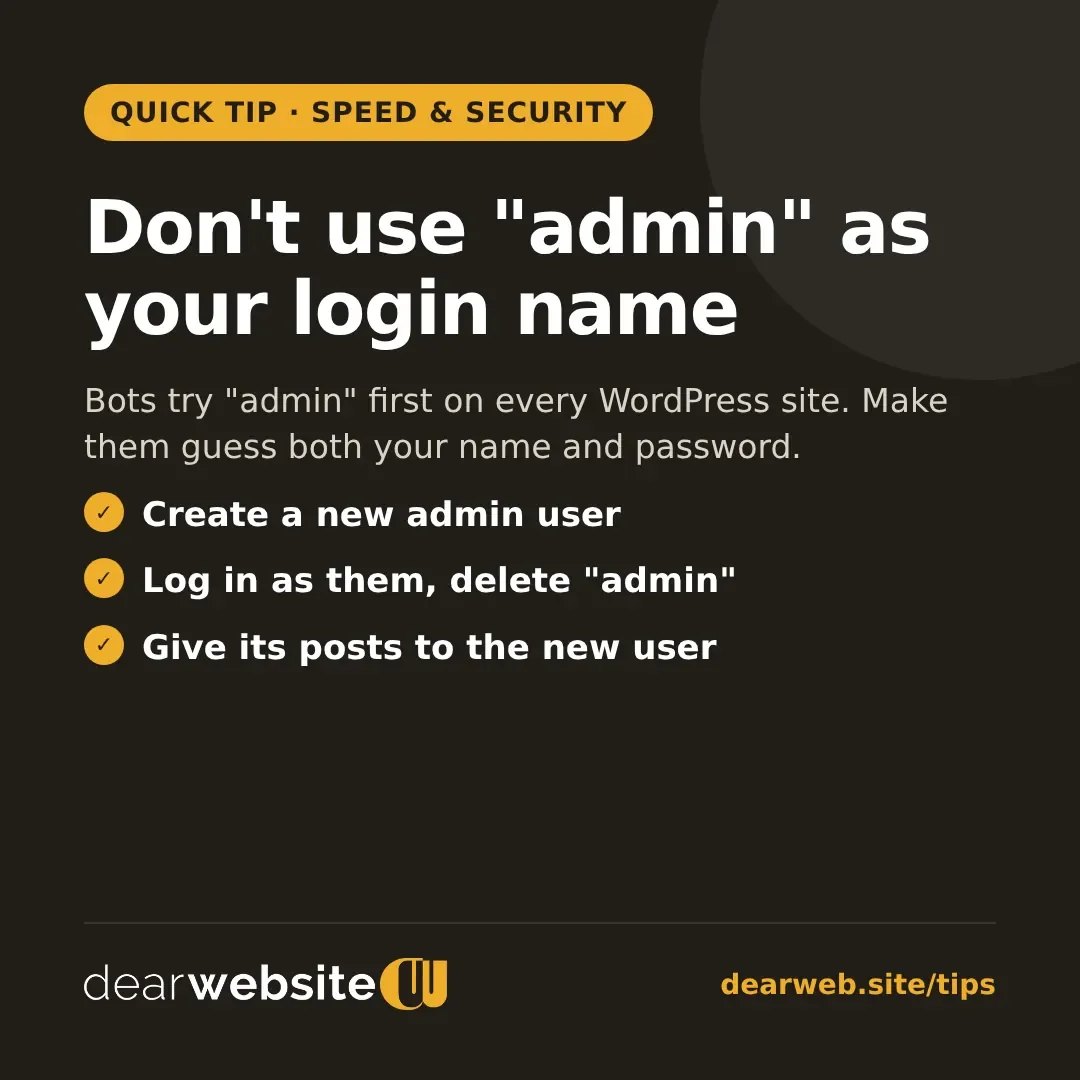
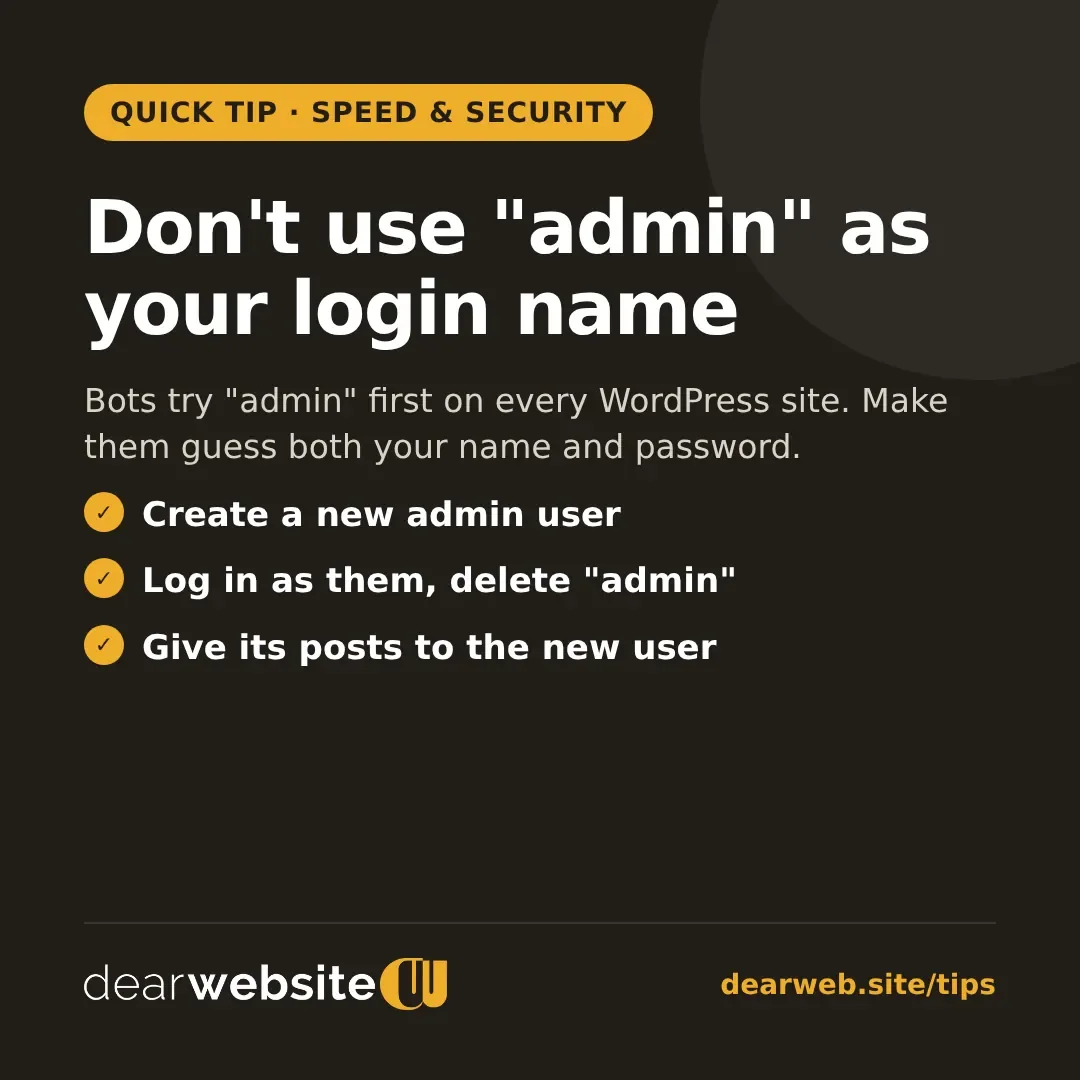
Don't use "admin" as your login name
Bots try "admin" first on every WordPress site. Make them guess both your name and password.
Automated bots try to log in to WordPress sites all day, and "admin" is the first username they guess.
- Go to Users → Add New and create a user with a unique name and the Administrator role.
- Log out, log in as the new user, then delete the old "admin" user.
- When asked, give its posts and pages to your new user.
Add a strong password and two-factor login too.
Posted 4 Nov 2026 · All tips